Explore Rail Deck
From your first locomotive to a whole railway. Take a closer look at the things you can build, personalise and enjoy with Rail Deck.
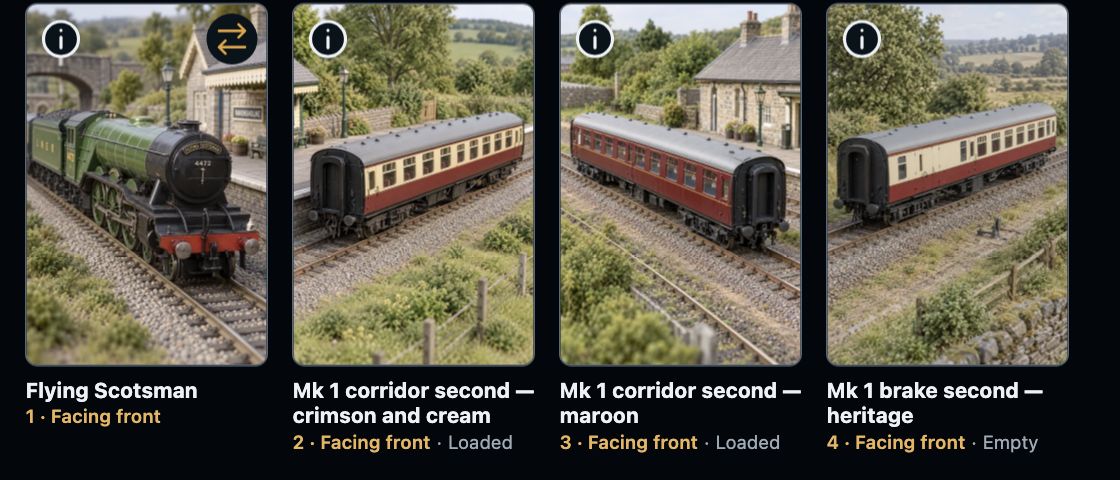
See the vehicles in order, with their facing and load choices beside them.
Building trains
A favourite locomotive, a rake of coaches or a long line of wagons. Bring them together, put them in order and save a train you’ll look forward to running.
Explore building trains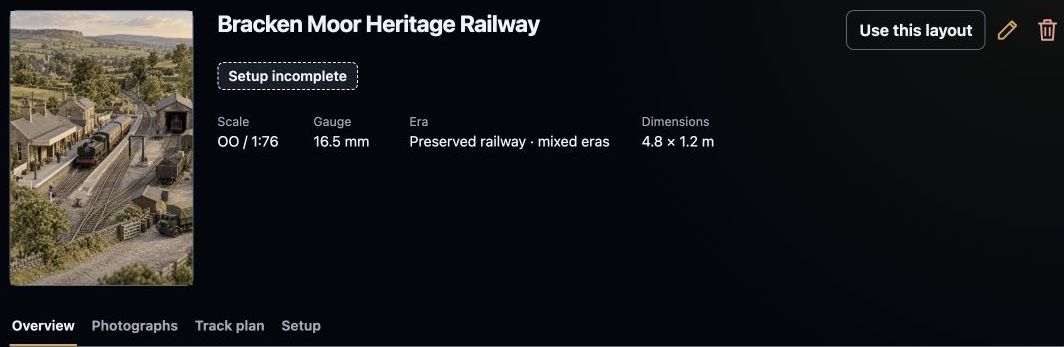
Keep the railway’s pictures and useful details together, with setup status visible.
Your railway
Give your layout a name and understand how your screen, bridge and command station fit together. Start small and add more when you’re ready.
Explore your railway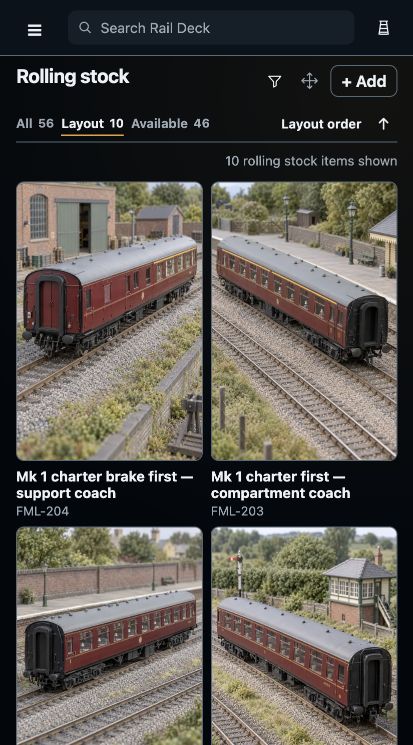
Pictures, familiar names and running numbers help you find the vehicle you want.
Your collection
Keep locomotives, coaches and wagons together with recognisable names, photographs and useful details. Choose the vehicles you want for your next train.
Explore your collection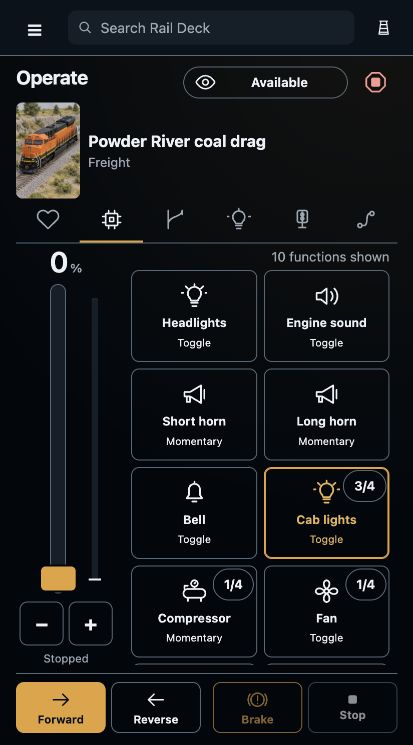
The train’s functions, direction, brake and throttle stay together on your phone.
Driving your trains
Keep the throttle, direction, brakes and locomotive functions together. Choose the screen that suits you, whether you’re beside the layout or sitting at a desk.
Explore driving your trains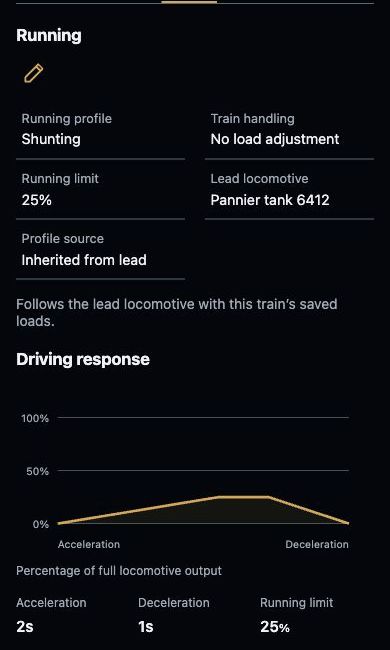
The saved running profile, speed limit and response curve stay with the train.
Driving feel
Enjoy a gentle passenger departure or take your time with a long freight. Keep your chosen driving and brake profiles with the train.
Explore driving feel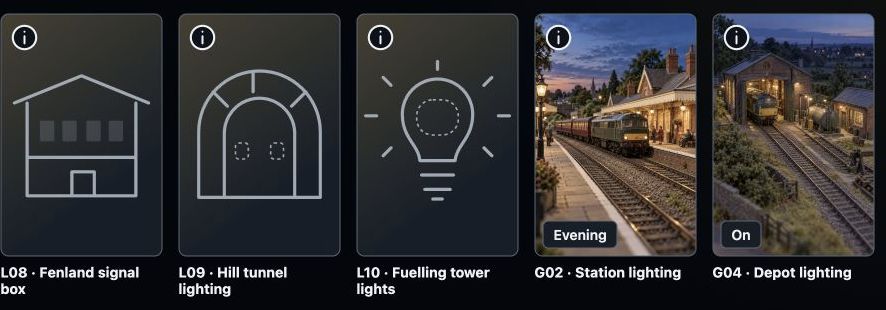
Recognisable names and pictures help you find individual lights and linked lighting groups.
Points, signals and lighting
Points, signals and lighting belong beside your trains. Find the right accessory by its name and picture, with the controls close at hand.
Explore points, signals and lighting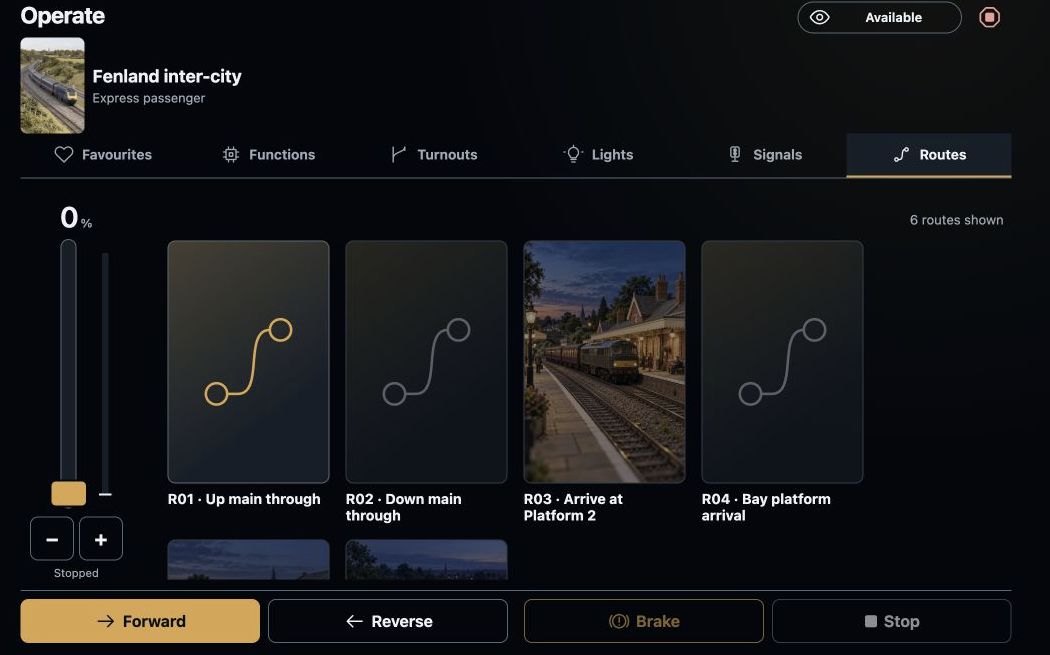
Named routes sit beside the train controls on the operating screen.
Routes and linked accessories
Link accessories that work together and give your regular routes familiar names. Follow their progress alongside the train controls.
Explore routes and linked accessories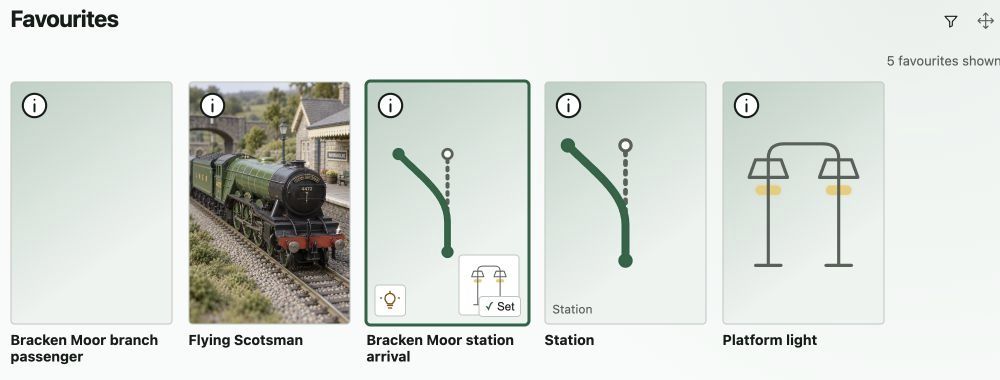
Favourite trains, routes and accessories can sit together in an order that suits you.
Make it yours
Make Rail Deck comfortable to use. Recognisable names, saved trains and your favourite items help you get back to the things you enjoy.
Explore personal touches