Your collection. Ready for the railway.
Bring your locomotives, coaches and wagons together. Give each one a familiar name, add pictures and keep the details close by, so choosing your next train feels easy.
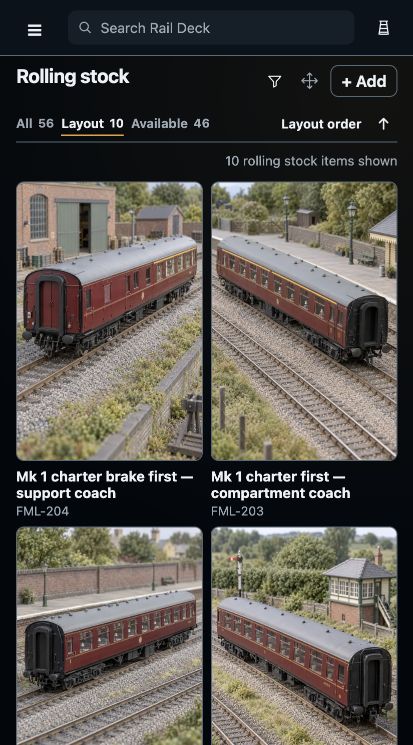
Pictures, familiar names and running numbers help you find the vehicle you want.
Step 1
Start with a vehicle you love.
Add a locomotive, coach or wagon and give it a name you will recognise. Keep its running number, scale and track gauge beside it, with the model manufacturer and livery when you know them.
You can come back to edit the details as your collection grows. Your own notes make a useful home for a vehicle’s history or the trains you like to run it in.
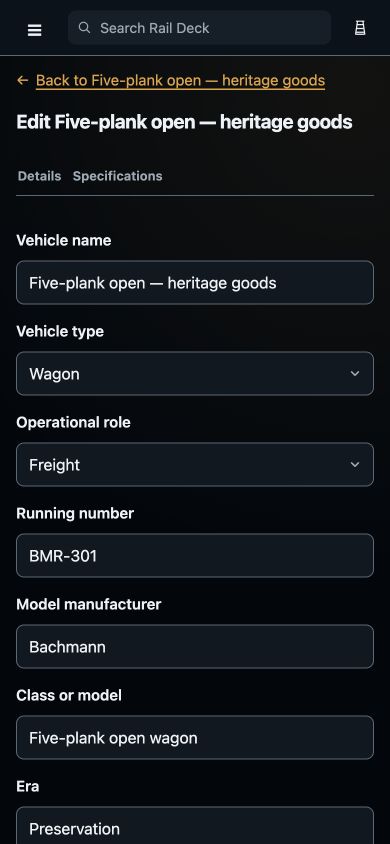
Keep the details that matter to you, from a familiar name to the model manufacturer.
Step 2
Let the pictures do the finding.
Add pictures of your locomotive or vehicle and choose a cover that makes it easy to spot. Keep more views together in its photograph gallery.
Arrange the pictures by dragging a handle, or tap one and choose its position. Change the cover whenever you find a picture you prefer.
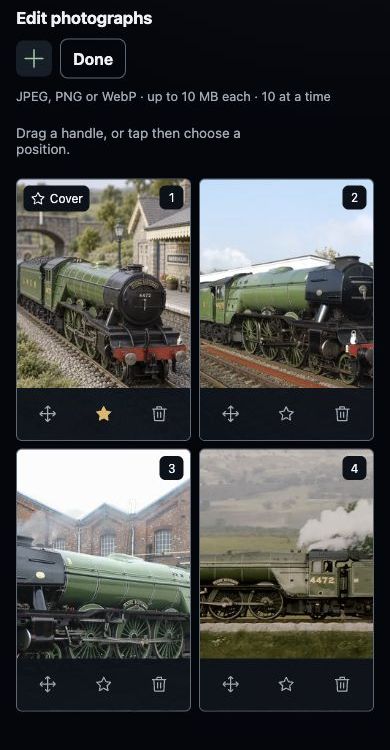
Choose a cover picture and arrange the rest in the order you prefer.
Step 3
Find the right one at a glance.
Browse the collection through pictures, names and running numbers. Switch to the vehicles on your current layout when you want a closer view of the railway in front of you.
Open a vehicle to see its details and photographs together. Familiar pictures and names mean less time remembering which item is which, and more time choosing what to run.
Pictures, familiar names and running numbers help you find the vehicle you want.
Step 4
Turn your collection into a train.
Choose locomotives and rolling stock from your collection, put them in order and save a train you can return to. A little passenger service or a long goods working starts with the vehicles you have chosen.
The Building trains tour takes you through the formation, facing and load choices, then shows where your saved driving settings fit in.
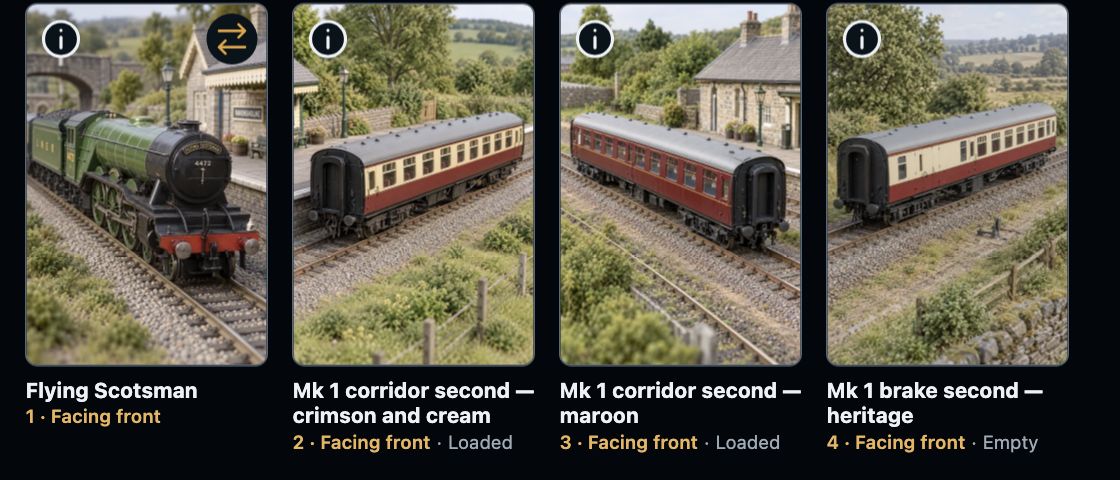
See the vehicles in order, with their facing and load choices beside them.