Bring the whole railway to life.
Give points, signals and lighting familiar names and pictures. Keep the controls beside your trains, from a single platform lamp to the details that make a busy station feel alive.
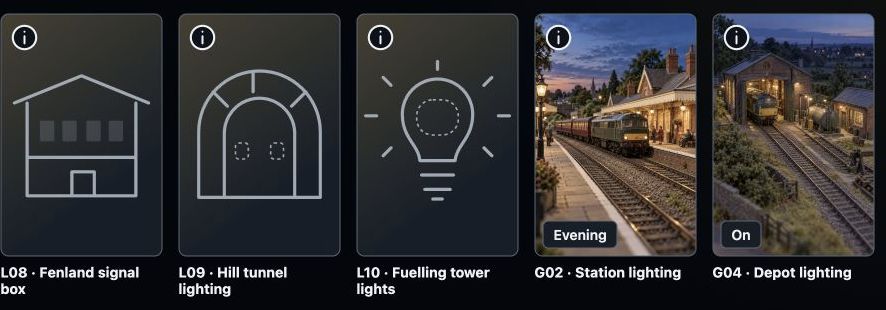
Recognisable names and pictures help you find individual lights and linked lighting groups.
Step 1
Start with something you recognise.
Add an accessory to your layout and give it a useful name, such as Platform light or Goods yard points. Choose a picture that helps you recognise it.
Keep its connection details with the item. You can return to edit those details as the railway changes.
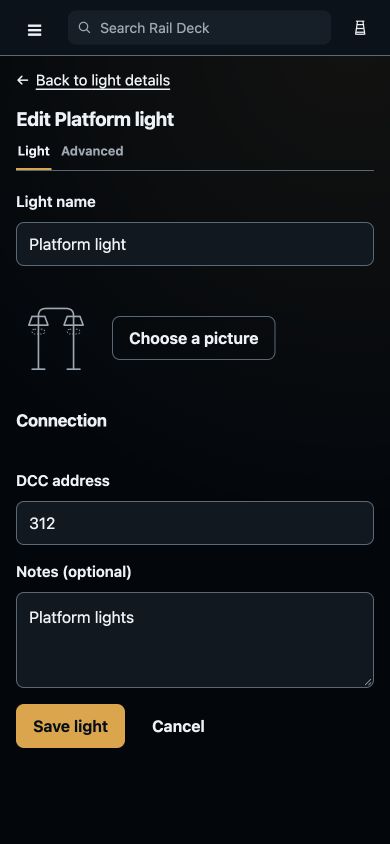
A familiar name and picture help you recognise the light when you come back.
Step 2
Make each choice clear.
Point positions, signal indications and lighting choices have their own visual controls. Use the saved choices for the accessory you have selected.
Signal drawings and names help distinguish a semaphore from a colour-light signal. A signal indication does not by itself stop a train or provide automatic interlocking.
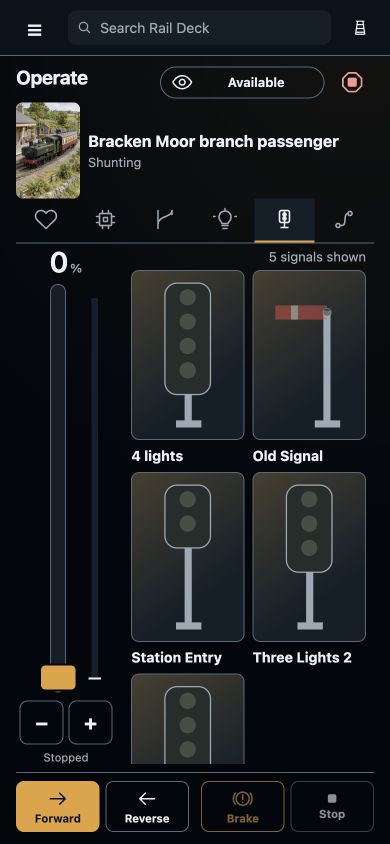
Signal drawings and names stay beside the train controls on the operating screen.
Step 3
Let the little things work together.
Keep individual lights separate when you want to choose them one by one. Use linked accessories for a group you like to operate together, such as station or depot lighting.
Name the group’s arrangements so the choice is clear when you come back to it.
Recognisable names and pictures help you find individual lights and linked lighting groups.
Step 4
Stay beside the train you are driving.
Open the accessory groups from the operating screen while keeping the throttle and direction controls close by. Put regularly used items in your favourites.
Check Compatibility for the current equipment position before planning physical operation.
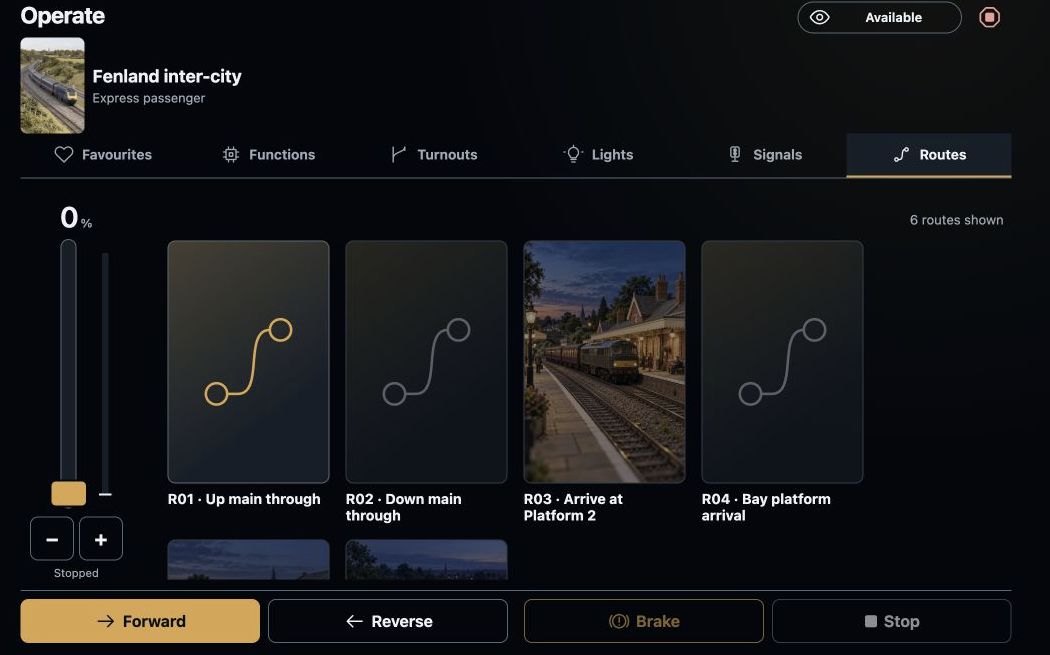
Named routes sit beside the train controls on the operating screen.