Your railway. A place for everything.
Start with the railway you have and make it easy to find your way around. Keep its details, pictures, vehicles and equipment together, then add more when you are ready.
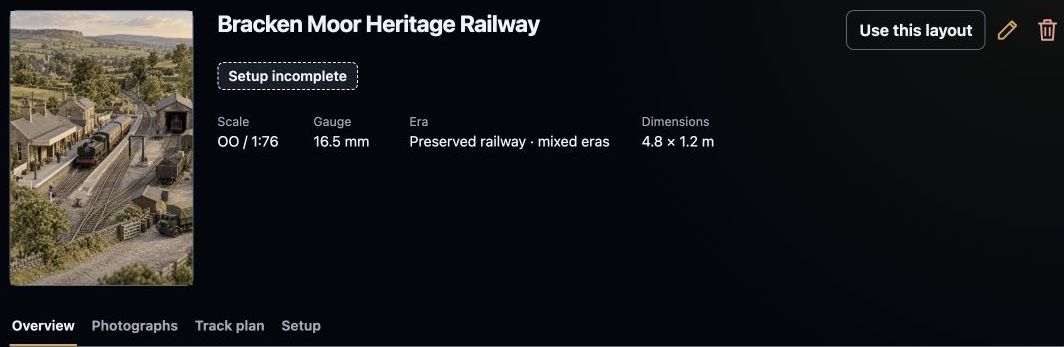
Keep the railway’s pictures and useful details together, with setup status visible.
Step 1
Give your railway a home.
Add your layout with a name you recognise. Keep its scale, gauge, era and dimensions with a description of the railway you want to enjoy.
Pictures make it yours. Keep layout photographs and track plans in their own galleries, ready to open when you need a closer look.
Keep the railway’s pictures and useful details together, with setup status visible.
Step 2
Three parts. One railway.
Your phone, tablet or computer is the screen you use. A Rail Deck bridge is planned to connect the software to a supported command station, which handles the connection to the railway.
DCC-EX is the first planned integration. Check the current equipment list before buying anything; physical Rail Deck bridge support is not yet verified.
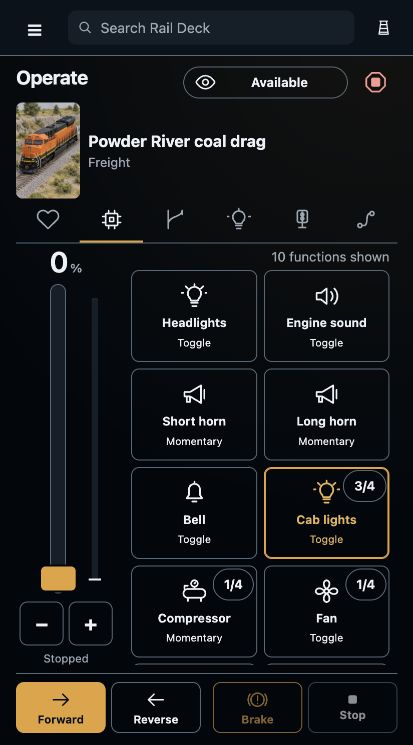
The train’s functions, direction, brake and throttle stay together on your phone.
Step 3
Bring in the vehicles you want to run.
Keep your wider collection together, then choose the vehicles that belong on this layout. Familiar pictures and names help you see what is ready for your next train.
Start with a locomotive and a few favourite vehicles. Add points, signals, lighting and saved routes as your railway grows.
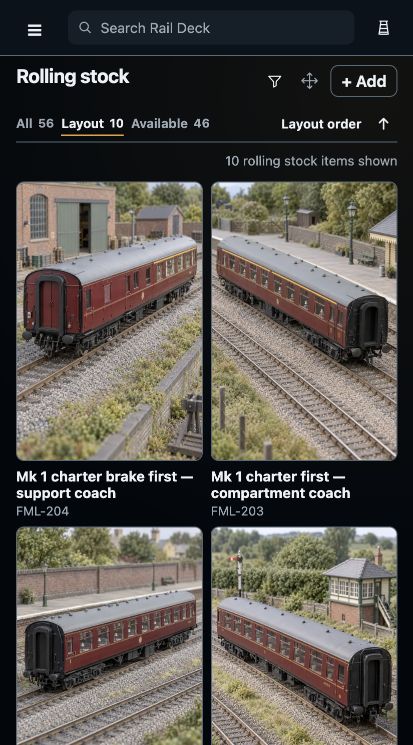
Pictures, familiar names and running numbers help you find the vehicle you want.
Step 4
Choose a layout and settle in.
Use this layout makes the selected railway your working context. Browsing another layout’s details leaves that choice with you.
Keep the screen that suits you close by. A phone beside the railway and a computer at your desk can both provide a comfortable way into Rail Deck.
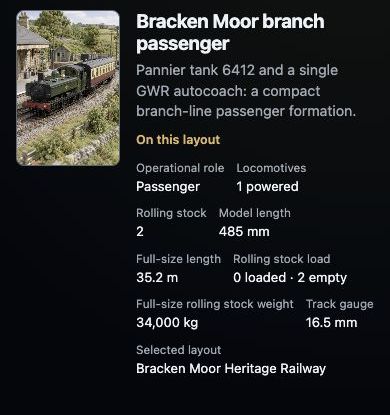
A named train keeps its vehicles and layout details together.